

Cookie Security: Secure, HttpOnly, SameSite and the __Host- Prefix Explained
What Secure, HttpOnly and SameSite actually do, the Lax/Strict/None trade-offs and CSRF implications, the __Host- prefix, and Laravel/PHP/Express examples.
The CompleteStatus Team 6 min read

Want this checked continuously?
CompleteStatus grades your headers, SSL and email security 24/7 — free, commercial use allowed.
Cookie security comes down to three attributes (Secure, HttpOnly and SameSite) plus one naming prefix, yet misconfigured session cookies remain one of the most common findings in web security audits. The stakes are concrete: a session cookie without these flags can be stolen over plain HTTP, exfiltrated by any injected script, or ridden by a cross-site request forgery. Each flag closes one of those doors, and knowing which one is the difference between configuring them correctly and copying them blindly.
Below: what each attribute does, the trade-offs of SameSite's three modes, and copy-paste settings for PHP, Laravel and Express.
Secure: never send this over plain HTTP
Set-Cookie: session=abc123; Secure
A cookie with Secure is only attached to HTTPS requests. Without it, one request to http://your-site.com (an old link, a typed domain before the redirect) sends the session token in cleartext, where anyone on the network path can read it. Session hijacking via unencrypted cookies predates most people's careers and still works.
There is no trade-off in 2026. Your site runs on HTTPS; every cookie should carry Secure. Pair it with HSTS so the browser won't make that first plaintext request at all.
HttpOnly: invisible to JavaScript
Set-Cookie: session=abc123; Secure; HttpOnly
HttpOnly hides the cookie from document.cookie. If an attacker gets a script running in your page (XSS via a vulnerable dependency, a compromised third-party tag), they cannot simply read the session token and ship it to their server.
Be honest about its limits: an attacker who can run script in your page can still use the session (making authenticated requests from the victim's browser), they just can't steal the token itself for later, sold-on use. HttpOnly raises the bar; a Content Security Policy does the heavy lifting against the XSS itself.
The corollary: if your frontend genuinely needs to read a cookie in JS, that cookie must not be your session token. Session cookies get HttpOnly, always; a separate, non-sensitive cookie can stay readable.
SameSite: the CSRF question
SameSite controls whether the cookie accompanies cross-site requests (requests to your domain initiated from another site). That is exactly how CSRF works: evil.example submits a hidden form to your-app.com/transfer, and the browser helpfully attaches your session cookie.
Three modes, three trade-offs:
SameSite=Strict: the cookie is never sent on cross-site requests, including when a user simply clicks a link to your site from an email or a search result. Maximum CSRF protection, but users following external links arrive logged-out, which is jarring for most apps. Right for high-sensitivity actions (banking flows, admin panels), sometimes deployed as a second "confirmation" cookie alongside a Lax session.SameSite=Lax: the cookie is withheld from cross-site subrequests and form POSTs, but is sent on top-level GET navigations (the user clicking a link). This blocks the classic hidden-form CSRF while keeping external links logged-in. It's the default in Chrome when no attribute is set, and the right default for most session cookies. One caveat: it only helps if your state-changing endpoints refuse GET. A destructive GET route is exempt from Lax's protection by definition.SameSite=None: the cookie is sent on all cross-site requests. Required when your cookie legitimately needs to travel cross-site: embedded widgets, some SSO flows, cross-site XHR with credentials (which also involves CORS). Browsers requireSecurealongsideNone, and reject the pairing without it.Nonere-opens the CSRF door, so anything using it needs explicit CSRF tokens.
SameSite=Lax is a strong safety net, not a replacement for CSRF tokens: subdomains you don't control, framework quirks and the GET caveat all leave residual risk. Keep your framework's CSRF middleware on.
The __Host- prefix: integrity by naming
A cookie named with the __Host- prefix is only accepted by the browser if it is set with Secure, from an HTTPS page, with Path=/, and without a Domain attribute:
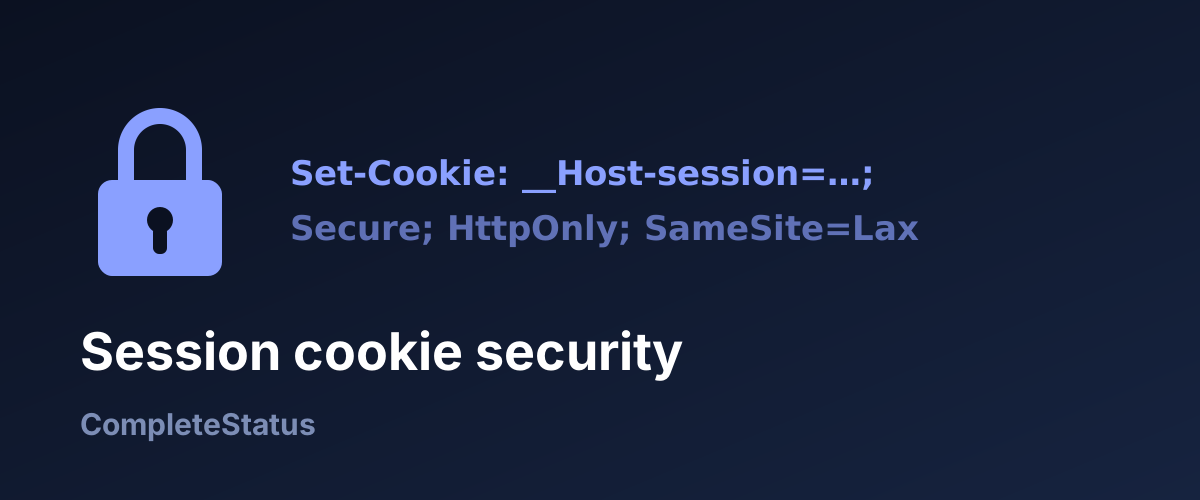
Set-Cookie: __Host-session=abc123; Secure; HttpOnly; SameSite=Lax; Path=/
Why bother? Because ordinary cookies can be planted by related origins: a compromised or malicious subdomain can set a Domain=your-site.com cookie that your main app then trusts, which is the basis of session-fixation and cookie-tossing attacks. The __Host- rules make that impossible: the cookie provably came from your exact host. The weaker __Secure- prefix only guarantees Secure on HTTPS. If your session cookie doesn't need to be shared across subdomains, __Host- is free hardening.
Session-cookie checklist
Secure: always.HttpOnly: always, for anything session- or auth-related.SameSite=Laxby default;Strictfor high-sensitivity cookies;Noneonly with a concrete cross-site need and CSRF tokens.__Host-prefix where subdomain sharing isn't needed.- No state-changing GET endpoints.
- Short expiry for the session itself; rotate the token on login and privilege change.
Framework examples
PHP (native sessions), before session_start() (or the equivalent session.cookie_* settings in php.ini):
session_set_cookie_params([
    'secure'   => true,
    'httponly' => true,
    'samesite' => 'Lax',
    'path'     => '/',
]);
session_start();
Laravel, in config/session.php (backed by .env):
'secure'    => env('SESSION_SECURE_COOKIE', true),
'http_only' => env('SESSION_HTTP_ONLY', true),
'same_site' => env('SESSION_SAME_SITE', 'lax'),
Laravel encrypts its cookies and ships CSRF middleware by default. Leave both on; the flags above are what makes the session cookie itself transport-safe.
Express (express-session):
app.set('trust proxy', 1); // if behind a reverse proxy
app.use(session({
  secret: process.env.SESSION_SECRET,
  cookie: {
    secure: true,
    httpOnly: true,
    sameSite: 'lax',
  },
}));
The trust proxy line matters: behind nginx or a load balancer, Express otherwise sees plain HTTP and secure: true cookies never get set. It's a classic "works locally, breaks in prod" trap.
Cookies are part of your security grade
Cookie flags aren't set-and-forget: a framework upgrade, a new auth library, or a hastily added cookie can quietly ship without Secure or HttpOnly, and nothing will error. Cookie flags are one of the checks behind CompleteStatus's A+ to F security grading, alongside the headers covered in our complete security-headers guide. Every finding comes with a fix, and you get an alert if the grade drops below B.
See your full grade (headers, cookie flags, TLS and more) with the free security score checker, then start monitoring free to catch regressions before an auditor (or an attacker) does. The free tier allows commercial use.
Written with AI assistance and reviewed by the CompleteStatus team.
Get notified when CompleteStatus opens
New accounts are closed while we're in private beta. Leave your email and we'll send one message the moment sign-ups open — nothing else.